Powerful Tools for Time Management
Explore all the features that make ChronoTally the go-to timesheet portal for ERPNext users.
A Complete Timesheet Experience
From creating time entries to generating invoices, ChronoTally covers your entire workflow.
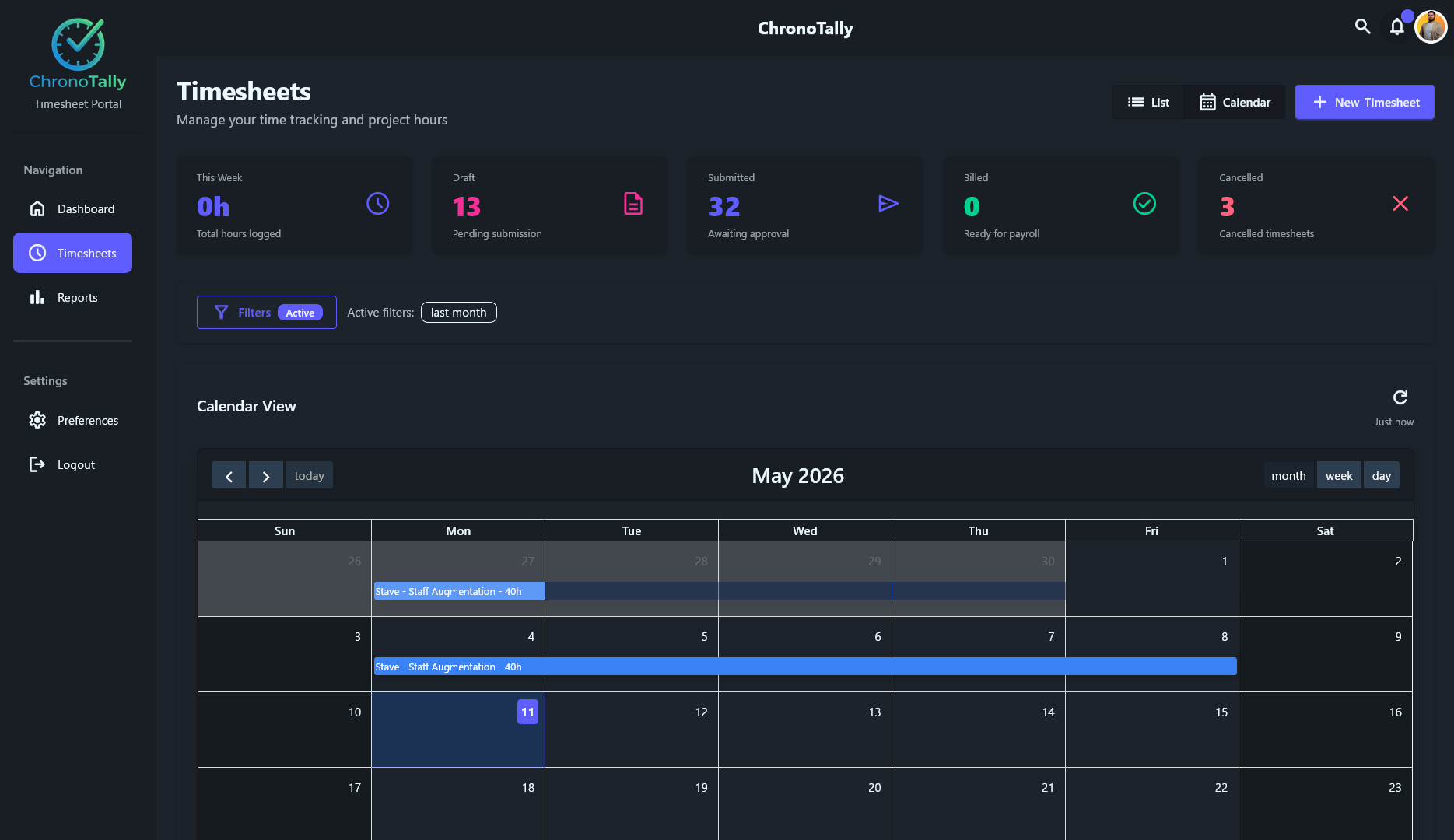
Calendar View
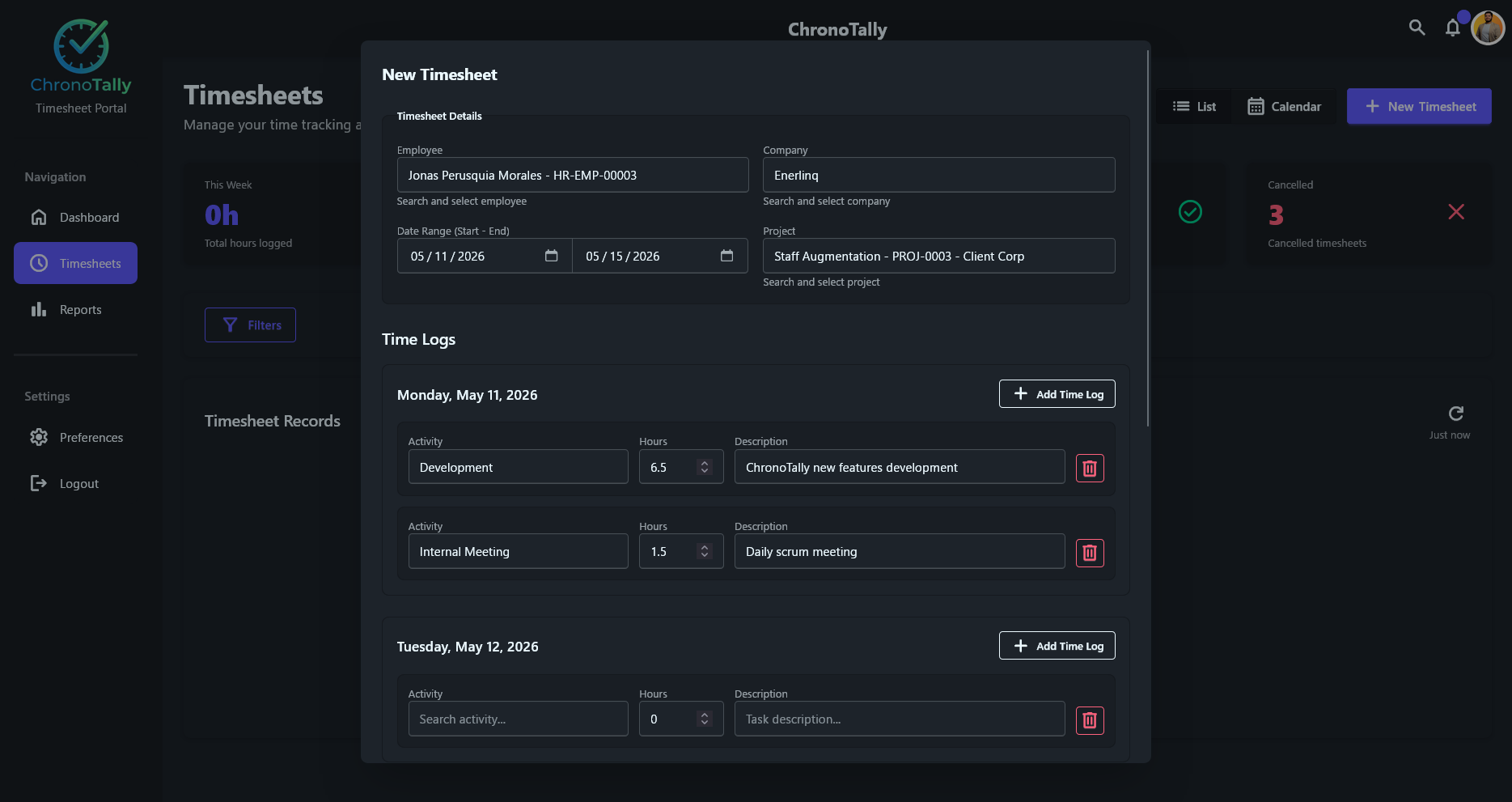
Timesheet Creation
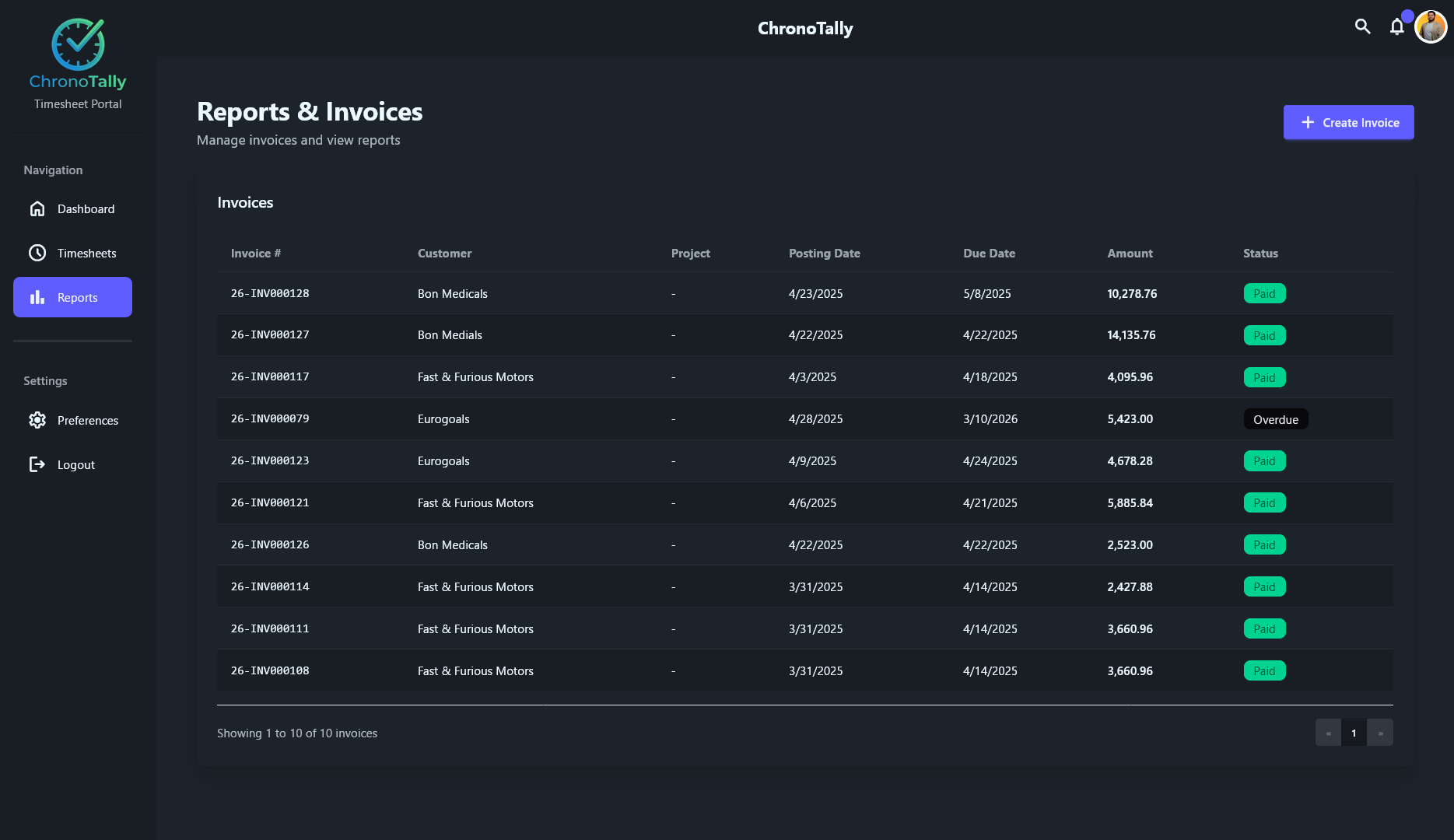
Reports & Invoices
Built for Productivity
Every feature is designed to save you time and give you better visibility into your team's work.
Time Log Management
Create detailed time logs with activity types, hours, and descriptions for each work day. Track development, meetings, admin tasks, and more.
Calendar View
Switch between month, week, and day views to visualize your timesheet entries. Entries span across date ranges for easy visualization.
Invoice Generation
Create invoices from tracked time. View all invoices with customer details, amounts, due dates, and payment statuses in a clean table view.
Dashboard & Analytics
Get a quick overview with stats cards showing hours logged, draft timesheets, submitted entries, billed amounts, and cancelled records.
Employee Management
Link timesheets to specific employees and companies. Search and select from your ERPNext employee directory.
Project Tracking
Associate time entries with specific projects like Staff Augmentation, Client work, and internal projects for accurate cost allocation.
Smart Filtering
Filter timesheets by date range, status, project, and more. Active filters are displayed prominently for clarity.
Approval Workflow
Track timesheets through draft, submitted, awaiting approval, billed, and cancelled statuses with a clear visual workflow.
Notifications
Stay informed with in-app notifications for timesheet submissions, approvals, and invoice generation.
Get Started in Minutes
Install ChronoTally from the Frappe Marketplace and start tracking time right away.
Install from Marketplace
Find ChronoTally on the Frappe Cloud Marketplace and install it on your ERPNext instance.
Configure Your Team
Set up employees, projects, and activity types. ChronoTally works with your existing ERPNext data.
Start Tracking
Create timesheets, log hours, generate invoices, and gain insights into your team's productivity.
Ready to Try ChronoTally?
Join teams already using ChronoTally to simplify their timesheet management on ERPNext.
Get Started on Frappe Cloud